Microphone: speak and it types
Tap the microphone and say a sentence — the recognised text goes into the field in the language you spoke. It works in any app with a text field.
 Dictator
About the app →
Dictator
About the app →
Tap the microphone, say it, and the text is already in the field. In any app: messenger, email, notes, search.
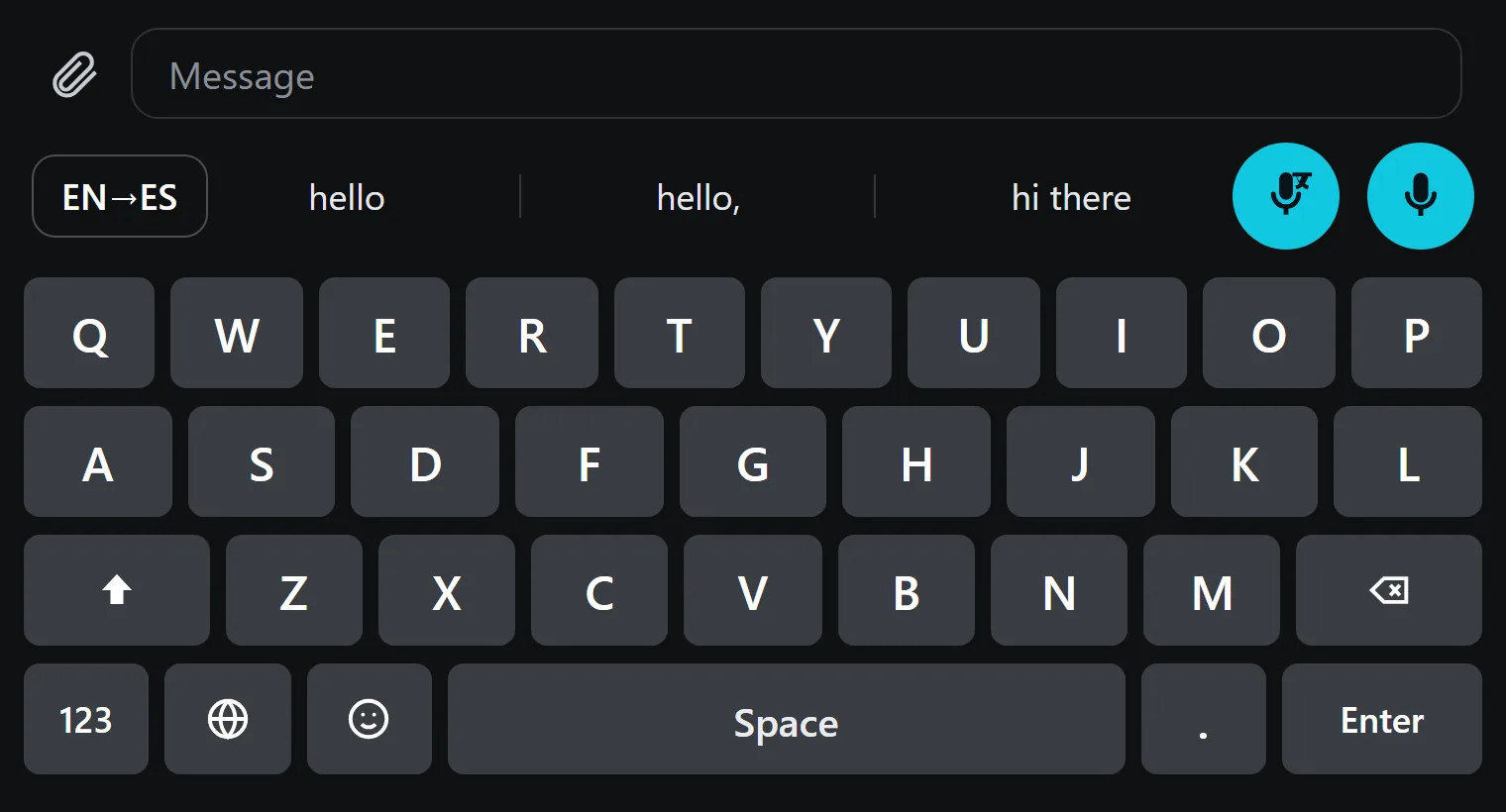
Above the letters, on the right, sit the microphone and the translate key. Everything else works like an ordinary keyboard.
Tap the microphone and say a sentence — the recognised text goes into the field in the language you spoke. It works in any app with a text field.
With nothing selected, the key next to it starts the same dictation but puts the translation into the field. You say “when will you ship the order” and it goes out in Chinese.
Select the other person's message or your own draft and tap the translate key — the translation replaces the selection. No leaving the chat, no copying text anywhere.
A list of 198 languages opens right above the keys: pick one and it applies to both dictation and the translation of a selection.
Download the file from this page and confirm the installation.
The app opens the right settings screen for you — all that is left is to flip the switch.
The globe icon on the system keyboard switches the layout to Dictator.
No. Android does not pass password fields to third-party keyboards, and dictation is not used there.
The keyboard itself is free. Paid plans start at $5.99 a month and are only needed for large volumes of cloud translation and recognition.
198 languages for translation. Layouts and speech recognition are switched right on the keyboard.
Yes, and there it is a separate app: dictation into any window, transcription of recordings, live subtitles and translation from the screen. See what it can do.
Installing takes a minute, and no account is needed.
Published · updated