STEP 01
Press the hotkey
A small recording indicator appears on top of the active window. You never have to switch away from what you are doing.
 Dictator
Everything the app can do →
Dictator
Everything the app can do →
Press a hotkey, say a sentence, and it appears exactly where your cursor is. Try it right here: say something and see how it comes out.
Try it right here
Speech is recognised on our server in Russia, and translation is done by an AI on a partner's servers outside Russia. We do not keep the audio or the text after replying. How we handle data
The same in any app: Telegram, WhatsApp, Word, email. The text lands where your cursor is, with no browser and no copying, and on a computer even without internet. There are versions for Windows, macOS, Android and iPhone.
Download free Ask a questionPeople speak 120-160 words per minute but type 52 on a computer and 36 on a phone, so voice is 2-4 times faster. Dictator removes the one annoying part of dictation — having to copy the text over from somewhere else.
A small recording indicator appears on top of the active window. You never have to switch away from what you are doing.
Four minutes of speech become finished text in about a second and a half — that is our measurement on an ordinary computer.
It is inserted where the cursor was. Nothing to copy, nothing to move by hand.
Colleagues' surnames, project names, professional terms — add them once and they stop turning into nonsense.
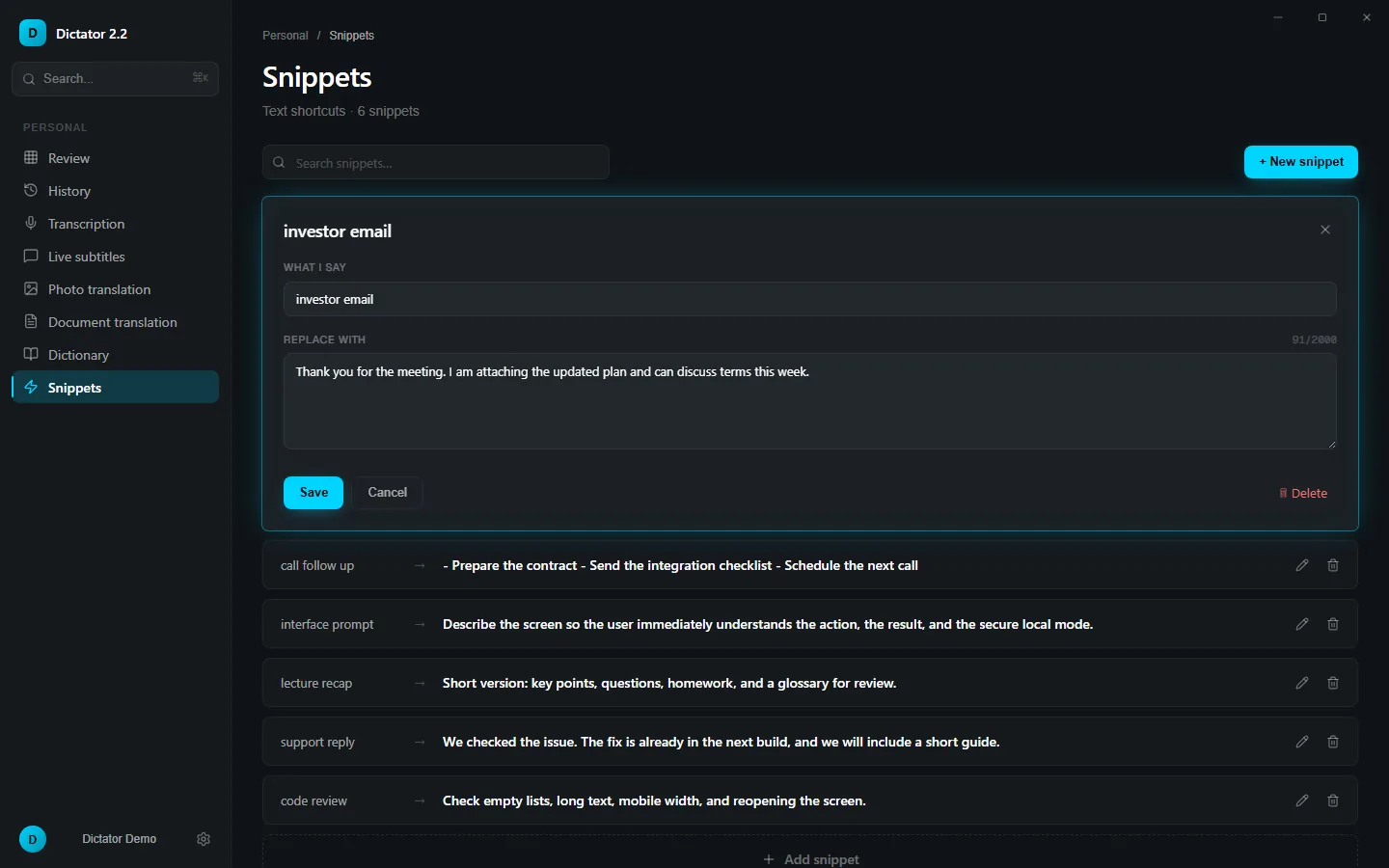
A short phrase expands into a full paragraph: a greeting, a standard reply to a client, the task list after a call.
Recognition runs on your computer — on a plane, on a train or at a cabin with bad reception the text still appears.
Every dictation is saved: come back to it, search by text, reuse it. On the free plan history is kept for 7 days.
Dictate in English, paste in German. 198 languages are available for AI translation.
The same app turns recordings into text, shows live subtitles and translates text from a screenshot.
In anything with a text field: email, messengers, the browser, Word and other editors, code editors, AI chat windows. The text is inserted into the field you are already in.
No, not for local recognition or for your system's built-in engine. The internet is only needed for cloud features on paid plans.
Dictation on the free plan has no minute limit. Paid plans start at $5.99 a month and add cloud recognition, long recordings and larger translation quotas.
Nowhere, when recognition runs locally: the audio is processed on your own computer and is never sent to a server.
Installing takes a minute, and no account is needed.
Published · updated